The Ultimate Guide to Google Business Profile: Keeping Your Ranking Fresh
If you run a local business in the UK: whether you’re a plumber in Reading, a café owner in York, or a dental practice in Cardiff: your Google Business Profile (GBP) is effectively your digital shopfront. For many of your customers, it’s the first thing they see before they even visit your website.
But here is the thing: setting up your profile and then leaving it to gather digital dust is a recipe for a sliding ranking. In 2026, Google’s local algorithm is more sensitive than ever to "freshness." If you haven’t touched your profile in a month, Google starts to wonder if you’re still in business, and your visibility on Google Maps can drop off a cliff.
Keeping your ranking fresh isn’t about spending hours every day on technical SEO. It’s about a few consistent habits that signal to Google: and your customers: that you are active, reliable, and the best choice in your area.
Why "Freshness" is the Secret Ranking Factor
We often talk about keywords and distance, but in the current climate, "activity" is just as important. Google’s goal is to provide users with accurate, up-to-date information. If one bakery has photos from three years ago and no recent reviews, and another bakery down the road posted a photo of fresh sourdough yesterday and replied to a review this morning, Google knows which one to recommend.
In fact, data from early 2026 shows that businesses failing to update their profile or add photos for more than 30 days see a significant drop in impressions. Google treats your profile like a live broadcast; if the signal goes dead, they stop showing it to people.
The Foundation: Verification and Categories
Before we worry about freshness, the basics have to be rock solid. Since October 2025, Google has unified its verification process under the "Google Verified" badge. If you haven’t checked your status recently, it’s worth logging in to ensure you’re fully verified.
The most critical setting is your Primary Category. This is the single biggest factor in how Google decides who to show your business to. Be specific. If you’re a "Labour Lawyer," don't just settle for "Lawyer." If you’re an "Italian Restaurant," don't just choose "Restaurant."
You should also ensure your NAP data (Name, Address, Phone number) is identical to what is on your website and other directories. Even a small discrepancy, like "St." versus "Street," can sometimes confuse the algorithm.
Reviews: The Heartbeat of Your Profile

Reviews are more than just social proof; they are a direct ranking signal. But it isn’t just about having a high star rating. Google looks at the volume and the recency of your reviews.
If you have 100 five-star reviews but the last one was from 2023, it doesn't carry much weight today. You need a steady "velocity": a regular trickle of new feedback. This is where many businesses struggle because asking for reviews manually is a chore.
Using a tool like YourReviews allows you to automate this process. By sending a quick request via SMS or WhatsApp as soon as a job is finished or a meal is served, you keep that steady flow of new reviews coming in without having to think about it.
Don't Just Collect: Respond
Responding to reviews is equally vital. Statistics show that roughly 88% of consumers prefer businesses that engage with their feedback. When you respond, you aren’t just talking to the person who left the review; you’re talking to everyone who reads it in the future.
If you’re tight on time, AI-generated replies can help maintain that professional engagement. The key is to respond within 24 hours. Fast responses signal to Google that you are an attentive business owner, which helps keep your ranking "fresh."
The Power of Google Posts
Think of Google Posts as a mini social media feed that lives right on the search results page. Many UK business owners ignore this, which is a massive missed opportunity.
A simple post once or twice a week is enough to keep the "freshness" signal alive. It doesn't need to be a polished marketing campaign. It can be: * A "Project of the Week" for tradespeople. * A new seasonal menu item for a restaurant. * A quick health tip from a clinic. * An announcement of bank holiday opening hours.
Posts stay prominent for about a week, so aim for a weekly cadence. Including a "Call Now" or "Book" button on these posts also increases your conversion rate directly from the search page.
Visuals: Moving Beyond Stock Photos
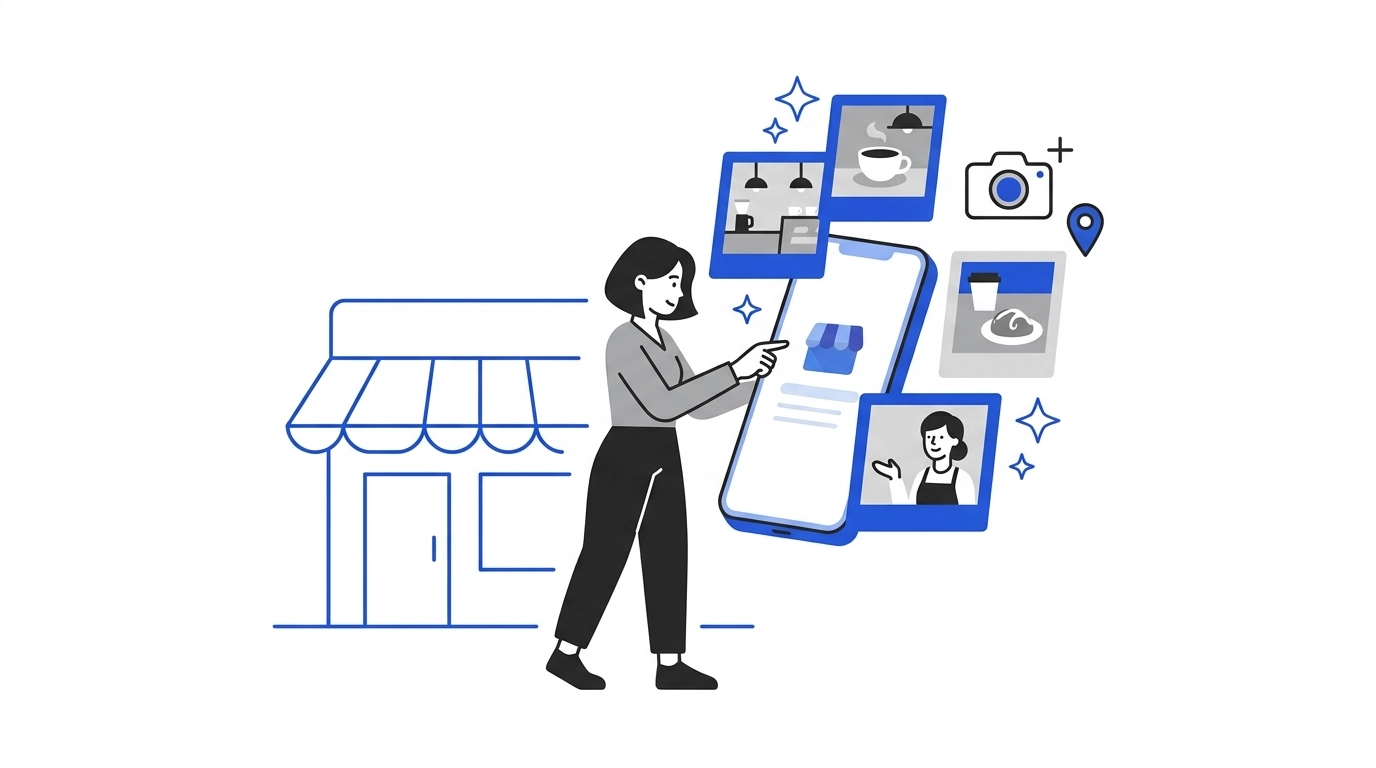
In 2026, Google's AI can actually "see" what is in your photos. If you’re a landscaper and you upload a photo of a new patio, Google’s AI recognises the bricks, the garden, and the craftsmanship. This helps categorize your business for relevant searches.
Avoid stock photos at all costs. They don't build trust, and Google knows they aren't unique to your business. Instead, aim to upload 2-3 "real" photos every month. These could be: * Your team at work (builds huge trust). * The exterior of your building (helps people find you). * The finished result of a service you provide.
High-quality, recent photos have been shown to increase direction requests by up to 42%. It’s a simple win for staying at the top of the map pack.
Advanced Tweaks: Q&A and Services
There are two often-overlooked areas of the Google Business Profile that can give you an edge:
1. The Q&A Section: Anyone can ask a question on your profile, and anyone can answer. Don't wait for a customer to ask. You can actually post your own frequently asked questions and answer them yourself. This ensures that accurate information is always available and adds more relevant keywords to your profile in a natural way.
2. Detailed Service Lists: Don't just list "Plumbing." List "Emergency Boiler Repair," "Leaking Tap Fix," and "Radiator Installation." For each service, add a short description. This helps Google match your profile to long-tail searches (like "emergency boiler repair near me") that your competitors might be missing.
Monitoring Your Progress
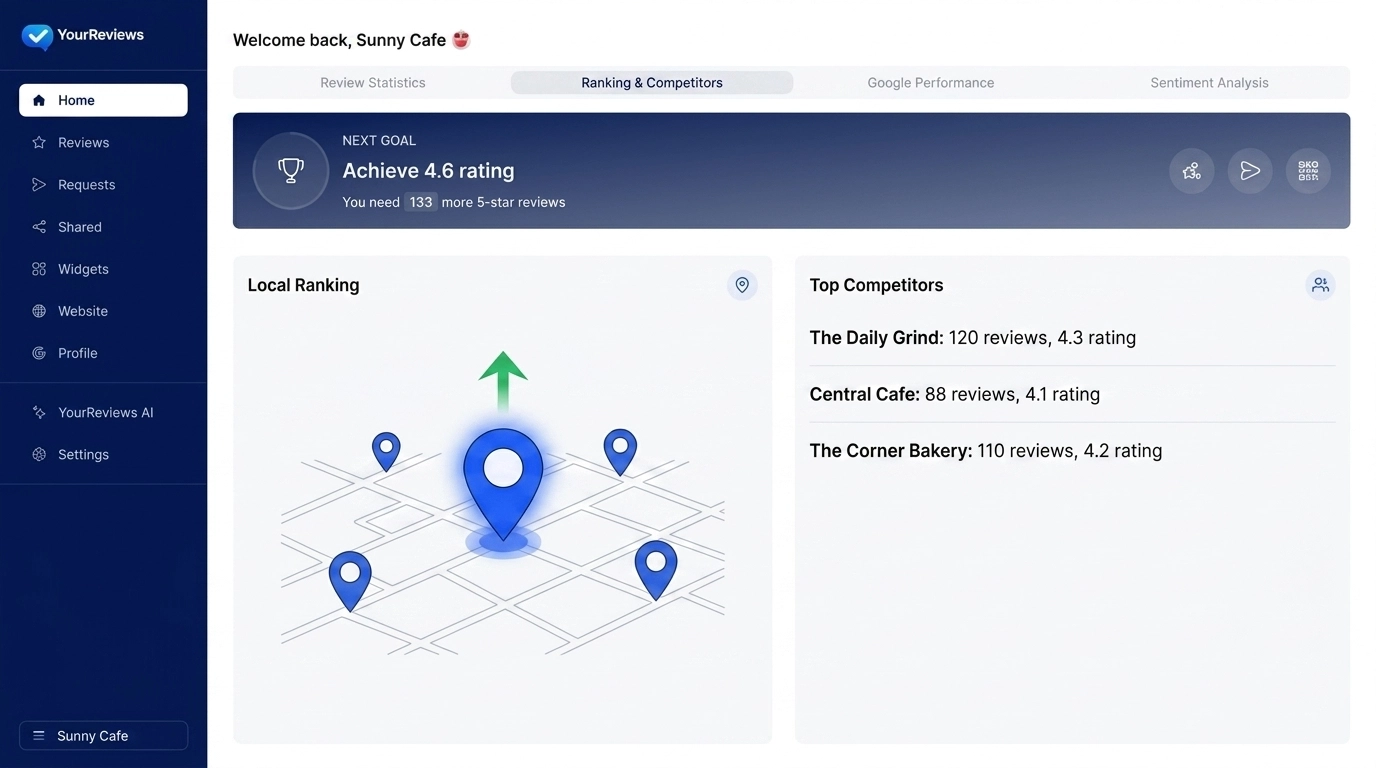
You can't manage what you don't measure. Google provides basic insights, but for a local business owner, you want to know exactly how you’re ranking in your specific neighbourhood.
Within the YourReviews dashboard, you can track your local search rankings and see how you compare to the competition. If you see your ranking start to dip, it’s usually a sign that your profile "freshness" is lagging. Perhaps you haven't posted in a while, or your review volume has slowed down.
Having these insights at your fingertips allows you to be proactive rather than wondering why the phone has stopped ringing.
Summary Checklist for a Fresh Profile
If you’re feeling overwhelmed, just stick to this simple monthly routine: * Weekly: Share one "Update" post with a photo. * Weekly: Respond to all new reviews (automate this if possible). * Monthly: Upload 2-3 new, real photos of your business or work. * Monthly: Check your business hours (especially around bank holidays). * Quarterly: Audit your "Services" list to ensure everything you offer is covered.
Google Business Profile isn't a "set and forget" platform. It’s a living part of your business. By treating it with a little bit of regular attention, you’ll find that the "flywheel effect" takes over: better visibility leads to more customers, who leave more reviews, which keeps your ranking fresh and brings in even more business.
It’s the simplest way to stay ahead of the competition in your local area without spending a fortune on advertising. Keep it active, keep it honest, and the rankings will follow.