10 Reasons Your Google Maps Ranking Is Slipping (And How to Stay Fresh)
It’s a frustrating Tuesday morning. You open your laptop, head to Google, and search for the services you provide in your local town. Usually, you’re right there at the top of the "Local Pack": that coveted trio of businesses that appear on the map. But today, you’re nowhere to be seen. You click "More businesses" and find yourself buried on page two.
If you’re a local business owner in the UK, your Google Maps ranking isn’t just a vanity metric; it’s your digital shopfront. In 2026, more people than ever are using "near me" searches to find everything from a reliable plumber in Reading to a boutique café in York. When your ranking slips, your phone stops ringing.
The good news? Rankings don’t usually drop for no reason. Google’s algorithm is constantly evolving to prioritise trust, relevance, and proximity. If you’ve drifted down the rankings, it’s likely because one of these factors has been compromised.
Here are 10 reasons why your Google Maps ranking might be slipping and, more importantly, how you can fix it.
1. Your Primary Category is Too Broad (or Just Plain Wrong)
This is the single most common reason we see for a sudden lack of visibility. Your "Primary Category" tells Google exactly what you are. If you’re a "Dental Clinic" but you’ve accidentally set your category to "Medical Centre", you’re competing in a much larger, less relevant pool.
In 2026, Google’s AI has become incredibly specific. If a user searches for "emergency dentist", Google will prioritise profiles where the primary category is a direct match. * The Fix: Review your Google Business Profile settings. Ensure your primary category is the most specific one possible for your core service. You can use secondary categories for the rest, but the primary one does the heavy lifting.
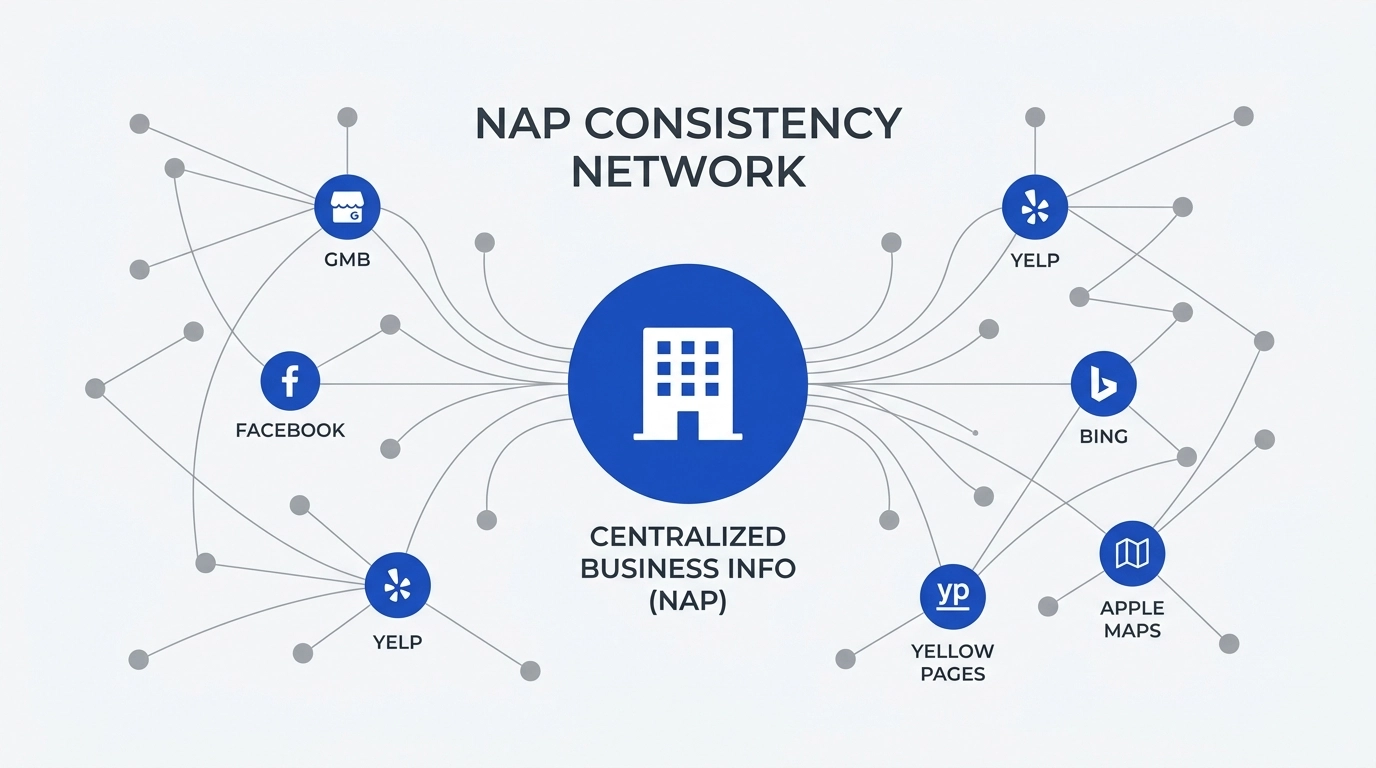
2. Inconsistent Business Data (The NAP Problem)
NAP stands for Name, Address, and Phone number. Google is essentially a giant verification engine. It cross-references your information across the entire web: Facebook, Yell, your own website, and local directories.
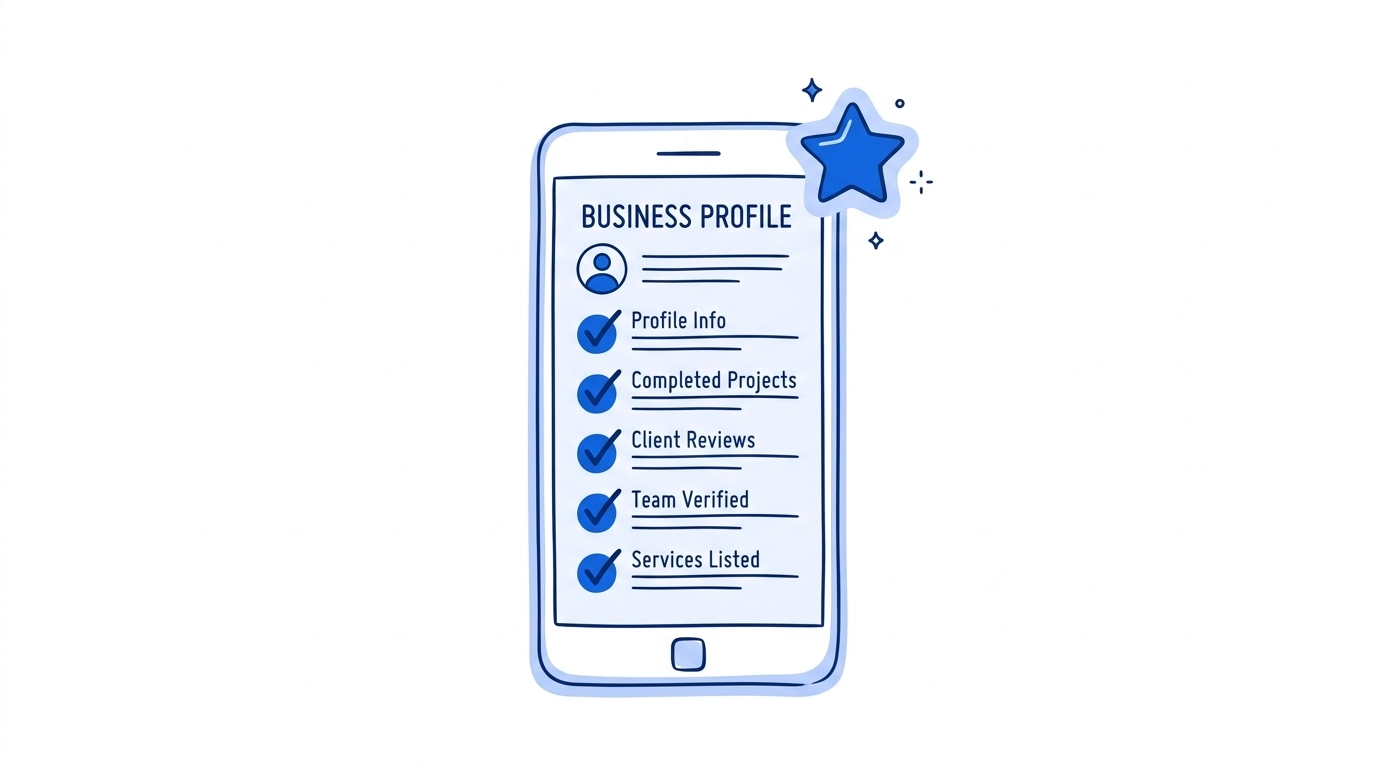
If your website says you’re at "12 London Road" but your Google profile says "12 London Rd", or if you’ve changed your phone number but haven't updated your old listings, Google loses confidence in your data. When Google isn't 100% sure where or who you are, it won't risk showing you to users. * The Fix: Conduct a mini "audit". Make sure your business name, address, and phone number are identical everywhere. Tools like our dashboard at YourReviews can help you monitor how your business appears across different platforms.
3. You’ve "Ghosted" Your Reviewers
We’ve all been there: you get a great review, feel a glow of pride, and then… do nothing. In 2026, leaving reviews unanswered is a ranking killer. Google views a business that doesn't respond to reviews as one that isn't active or doesn't care about customer service.
Interaction is a signal of "life". A profile that actively engages with feedback is seen as more reliable than a static one. * The Fix: Set a rule to respond to every single review within 24–48 hours. If you’re short on time, automated review management can handle the heavy lifting for you, using AI to generate professional, tailored responses that keep your profile active while you focus on running the business.
4. The "Closed Now" Filter
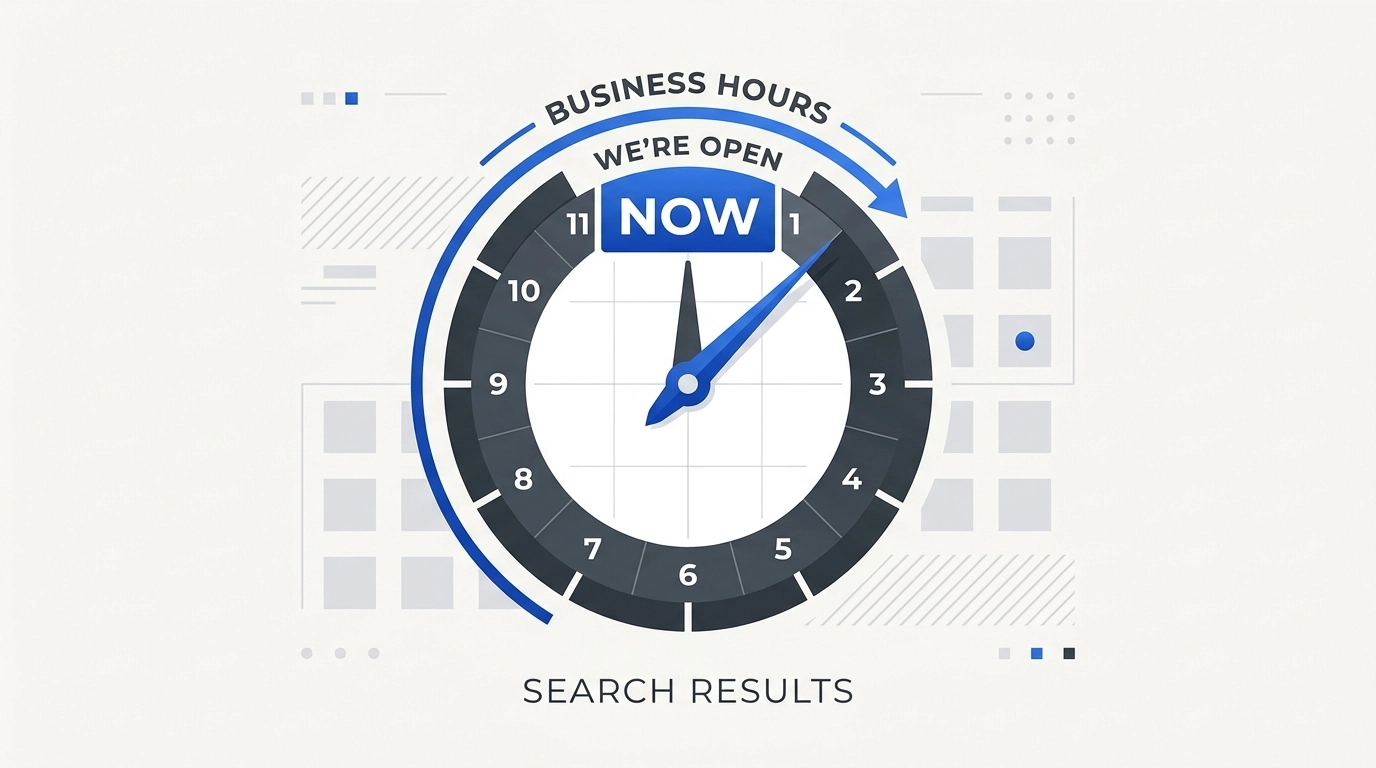
Google has become much smarter about user intent. If someone searches for "hair salon" at 6:30 PM and you’ve listed your closing time as 6:00 PM, Google will often hide your profile in favour of a salon that’s still open.
If your ranking seems to "disappear" at certain times of the day, it’s likely because your competitors have longer hours or you’ve forgotten to update your holiday opening times. * The Fix: Ensure your hours are 100% accurate. If you offer 24/7 enquiries via WhatsApp or email, make sure that’s reflected. Don't forget to update "Special Hours" for bank holidays.
5. Your Review Velocity has Stalled
It isn't just about having a 5-star rating; it’s about how recently those stars arrived. If your last review was from six months ago, Google begins to wonder if you’re still providing the same level of service.
A business with 50 reviews from three years ago will often be outranked by a business with 20 reviews from the last three months. This is called "Review Velocity". * The Fix: You need a "flywheel" effect. Instead of asking for reviews in bursts, automate the process. Sending a quick SMS or WhatsApp request immediately after a service ensures a steady stream of fresh feedback.
6. Your Service Area is Poorly Defined
For businesses that go to the customer: like cleaners, electricians, or landscapers: defining your service area is vital. If you haven't specified where you work, Google might only show you to people within a tiny radius of your registered address.
Conversely, if you set your service area too wide (e.g., "The United Kingdom"), Google might see you as a generic national business rather than a local expert, and you'll lose out to local competitors. * The Fix: Narrow your service area to the specific towns or postcodes you actually serve. This focuses your "local authority" where it matters most.
7. A Lack of "Search-Driven" Keywords in Your Description
While you should never "keyword stuff" your business name (that’s a quick way to get banned), your business description should naturally include the terms people actually use.
If you’re an Italian restaurant in Manchester, your description should mention things like "authentic pasta", "wood-fired pizza", and "Manchester city centre". Google’s AI reads these descriptions to understand the nuances of what you offer. * The Fix: Write a human, engaging description of about 200 words. Focus on the problems you solve and the specific services you provide. Think about what a customer would type into a search bar.
8. Your Website Isn't "Localised"
Google Maps doesn't exist in a vacuum; it’s heavily influenced by your actual website. If your website is a generic one-pager that doesn't mention your location, your Maps ranking will suffer.
Google looks for "signals" on your site that match your Maps profile. If your site has dedicated pages for different services and mentions your local area frequently, it reinforces your authority. * The Fix: Create "Service-in-Location" pages. Instead of one "Services" page, have "Boiler Repair in Croydon" or "Garden Maintenance in Bromley". This creates a web of local relevance that pushes your Map pin higher.
9. Increased Competition
Sometimes, you haven't done anything wrong: your neighbours have just started doing things right. If a new competitor opens up nearby and starts aggressively collecting reviews and posting updates to their profile, they will naturally climb above you.
Local SEO is a race that never really ends. If you stop moving, you’ll eventually be overtaken. * The Fix: Monitor your competitors. Use the YourReviews dashboard to track how your local search rankings compare to others in your area. If you see them pulling ahead, it’s time to ramp up your review collection and profile activity.
10. Low Authority on Third-Party Sites
Google doesn't just trust what you say about yourself; it trusts what the rest of the internet says. If you have 100 reviews on Google but zero on Facebook or industry-specific sites like Checkatrade or Trustpilot, Google might see your reputation as "one-dimensional".
In 2026, "prominence" is a major ranking factor. This means being mentioned and reviewed across multiple reputable platforms. * The Fix: Don’t put all your eggs in one basket. While Google reviews are the priority, occasionally direct customers to leave feedback on Facebook or other platforms to build a well-rounded digital reputation.
Staying Fresh in a Competitive Market
The common thread through all these points is consistency. Google Maps rewards businesses that are active, accurate, and highly recommended by their local community.
If your ranking has slipped, start with the basics: check your categories, verify your NAP data, and ensure you’re responding to every customer. From there, look at your review strategy. Is it a manual, hit-and-miss process, or is it a background "flywheel" that works while you sleep?
At YourReviews, we specialise in helping UK businesses automate that growth. By making it easy for customers to leave feedback and even easier for you to manage it, we help you maintain the "freshness" that Google’s algorithm craves.
Don't let a ranking slip turn into a permanent decline. A few small tweaks today can put your business back on the map, literally. For more tips on managing your online presence, check out our latest articles on the blog.