The "Openness" Signal: Why Your Opening Hours Might Be Killing Your Local Ranking
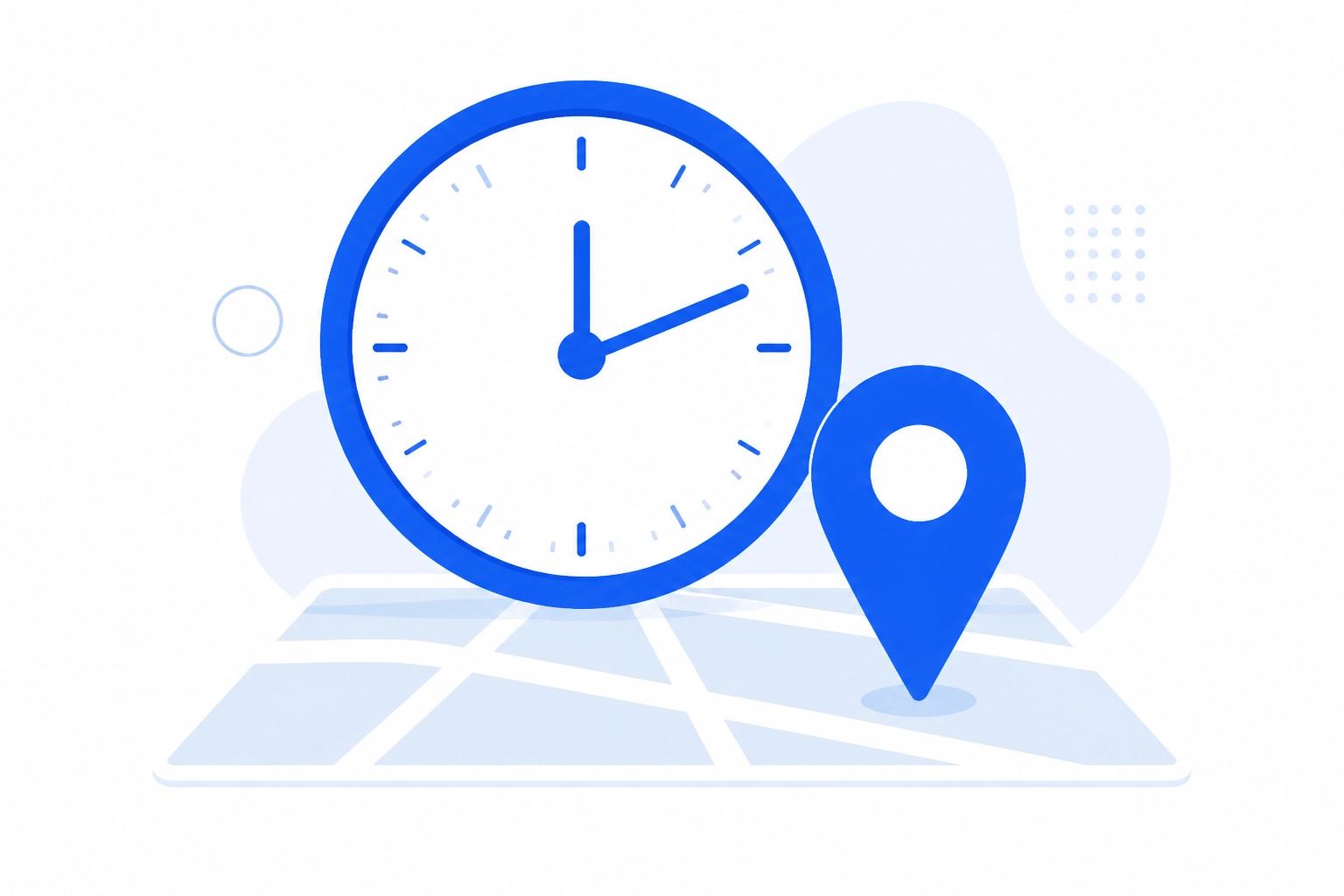
If you’ve noticed your business suddenly vanishing from the top of Google Maps at certain times of the day, you aren’t imagining things. There hasn't been a glitch in the system, and your competitors haven't necessarily outspent you on ads overnight. Instead, you’re likely feeling the weight of one of the most significant changes to local search in years: the "Openness" signal.
For a long time, local business owners in the UK focused on keywords, backlinks, and getting as many five-star reviews as possible. While those still matter, Google has recently dialled up the importance of a seemingly simple factor: whether or not you are actually open for business at the exact moment someone is searching.
In this guide, we’re going to dive into why Google Business Profile optimisation in the UK now requires a much closer look at your clock, and how you can stop your opening hours from sabotaging your hard-earned rankings.
What Exactly is the "Openness" Signal?
The "Openness" signal is the name given by the SEO community to a confirmed update in Google’s local ranking algorithm. Essentially, Google has made "open now" a much heavier ranking factor.
In the past, if you searched for a "dentist in Manchester" at 9:00 PM, Google would show you the best dentists in the area based on their overall authority and proximity, even if they were closed until the morning. Today, that’s no longer the case. Google is now significantly more likely to demote businesses that are currently closed and promote those that are currently open.
This shift is a part of Google’s broader mission to improve user experience. If a customer is looking for a service right now, they likely want to call someone, book an appointment, or visit a shop immediately. Showing them a closed business: no matter how highly rated: is seen as a "bad" result.
Why This Matters for Your Local Ranking
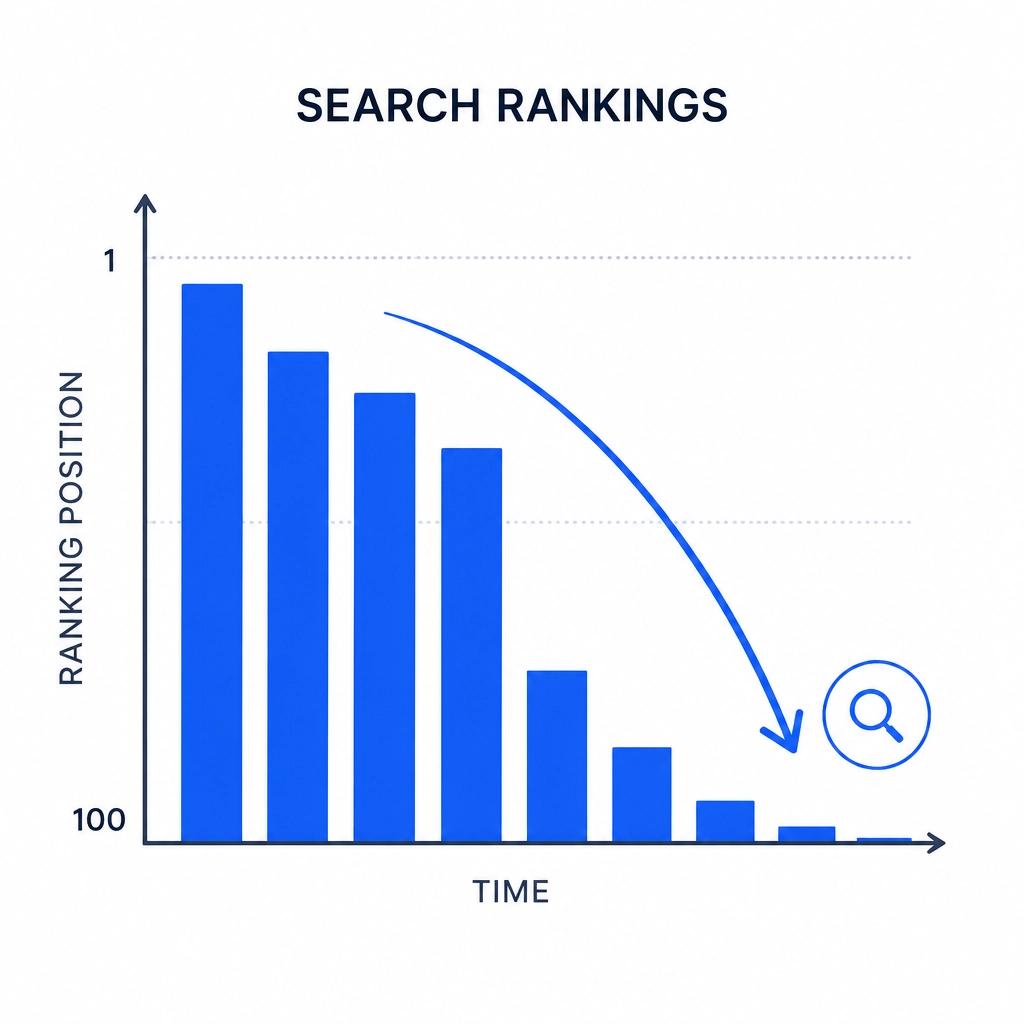
The impact of this update has been dramatic. Data from various local SEO studies shows that businesses can drop from the number one spot in the "Local Pack" (the top three map results) to somewhere on page two or three the moment their closing time hits.
This creates a "yo-yo" effect. You might be dominating the search results at 2:00 PM, but by 6:00 PM, you’ve disappeared. If your competitors stay open just an hour later than you, they are effectively stealing your visibility during that window.
If you’ve noticed your Google Maps ranking slipping, the first thing you should check isn’t your backlinks: it’s your schedule.
The UX Behind the Change: Why Google Cares
Google’s priority is always the person typing into the search bar. Imagine you have a plumbing emergency at 8:00 PM. You search for "emergency plumber," and the top result is a highly-rated firm that actually closed at 5:00 PM. You click, you try to call, and you get an answering machine. You’re frustrated.
By boosting the "Openness" signal, Google ensures that the results are more actionable. It’s all about providing immediate solutions. For local businesses, this means that your Google Business Profile ranking stays fresh only as long as your doors are open.
The Danger of "Gaming" the System
When business owners first heard about this, many had the same thought: "I’ll just set my hours to 24/7!"
While it’s tempting to tell Google you’re open all day and night to keep your ranking high, this is a dangerous game. Google is incredibly good at spotting "fake" hours. If your profile says you’re open at 3:00 AM, but your website says you close at 5:00 PM, or if customers start reporting that they called and no one answered, you risk a profile suspension.
A suspended Google Business Profile is a nightmare to fix and can take weeks of back-and-forth with support to reinstate. The goal of Google Business Profile optimisation in the UK should be accuracy, not deception.
How to Optimise for the Openness Signal (The Right Way)
So, how do you handle this without staying awake 24 hours a day? Here are the practical steps you should take to ensure your opening hours are working for you, not against you.
1. Audit Your Current Hours
It sounds simple, but many businesses haven't updated their hours in years. Ensure your primary hours on Google match your website, your Facebook page, and the sign on your front door. Consistency is a huge trust signal for Google.
2. Use "Special Hours" Relentlessly
Bank holidays, seasonal shifts, or even a staff training day can affect your ranking. If Google thinks you might be closed but you haven't confirmed your hours for a specific holiday, it may lower your visibility just to be safe. Use the "Special Hours" feature in your dashboard to confirm you are open (or closed) on specific dates.
3. Consider "Secondary Hours"
If you run a business with different departments: like a car dealership with a service centre that closes earlier than the showroom: use the "More Hours" feature. This allows you to specify hours for "Online Service Hours," "Pickup," or "Delivery," which can help maintain visibility for those specific search queries even when the main physical location is closed.
4. Maximise Your "Open" Time with AI
Since your ranking is strongest when you are open, you need to make sure you are converting every lead that comes in during those hours. Using tools like AI-generated replies can ensure that even when you are busy serving a customer in-person, your online engagement doesn't slip.
The "Prominence" Counter-Balance
While the Openness signal is powerful, it isn't the only factor. Google still looks at "Prominence": how well-known and trusted your business is. This is where your review strategy comes in.
If you have a massive volume of recent, high-quality reviews, Google may still show your business (with a "Closed" label) above a competitor who is "Open" but has poor ratings. A strong reputation acts as a safety net.
This is why we focus so much on the flywheel effect of reviews. When you automatically collect feedback from every customer, you are constantly feeding the "Prominence" signal. This helps keep you in the conversation even during the hours when the "Openness" signal is working against you.
For a deeper dive into how this works, check out our Google Maps reviews ranking guide.
Turning Reviews Into a Ranking Flywheel
The key to surviving these algorithm shifts is to stop thinking about your Google Business Profile as a static listing. It is a living, breathing representation of your business.
The most successful UK businesses are those that automate the boring stuff. By using a platform like YourReviews to handle the heavy lifting: sending out review requests via SMS or WhatsApp and using AI to respond to them: you ensure that your profile is always active.
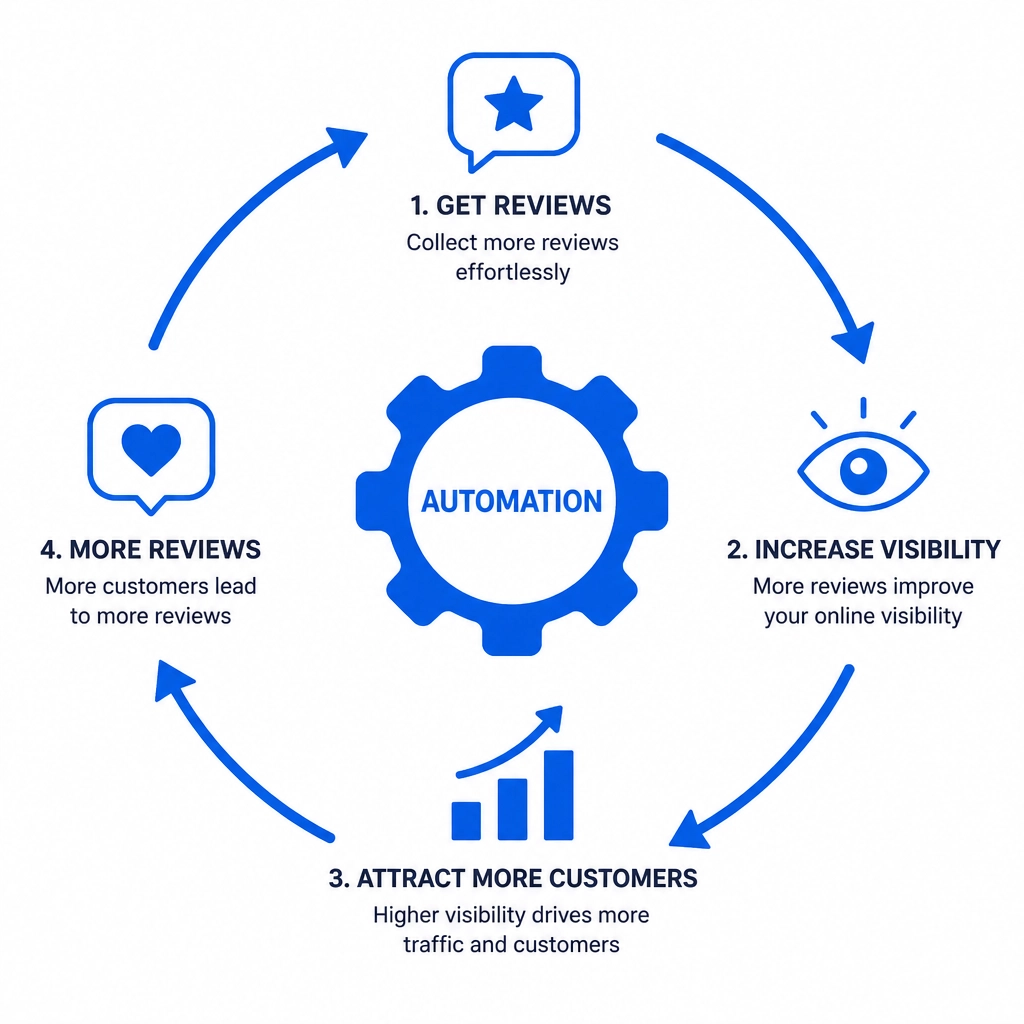
This activity signals to Google that you are a legitimate, busy, and reliable business. When combined with accurate, well-managed opening hours, you create a powerhouse profile that is difficult for competitors to beat, regardless of what time of day it is.
Final Thoughts for UK Business Owners
The "Openness" signal is a reminder that local SEO isn't just about what you say on your profile; it's about how you operate in the real world.
To stay ahead: 1. Be Accurate: Don't lie about your hours, but do ensure they are 100% up to date. 2. Be Active: Keep the reviews flowing to maintain your "Prominence" ranking. 3. Be Responsive: Use AI to help manage the volume of engagement so nothing slips through the cracks.
Google's algorithm will continue to change, but its goal remains the same: connecting people with the best possible local service. If you make it easy for Google to see that you are open, active, and highly recommended, your rankings will take care of themselves.